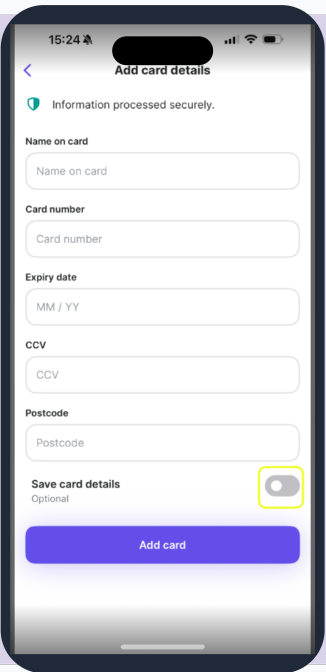
Can I remove a saved payment card in the mobile app or web app?
At present, the rider app and web app (browser) do not offer an option to remove a saved payment card once it has been added. This means that any card you’ve previously used will remain stored in your account.
How can I change which card is used for payments?
You can change your default payment card at checkout when purchasing a pass. To do so:- Begin the checkout process for a pass in the rider app or web app.
- On the payment screen, select the card you want to use from your saved cards.
- Confirm the selection to set it as your default card for future purchases.
Will payment card management be improved in future updates?
Payment management improvements are part of our ongoing product development. Check back here for the latest updates as this feature continues to evolve. in future updates.Please note: If you are using an Apple iOS device, Apple Pay is also available, where you can select the card you wish to use.